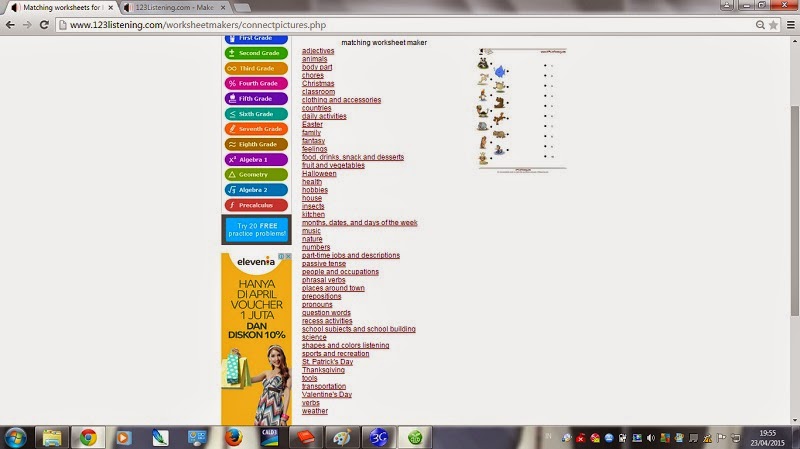
How to make a Listening Worksheet
1. Go on "www.toolsforeducators.com"
2. Choose Listening worksheet maker
3. After that, choose the type of the sheet that you want. There are five types.
4. Click on category of vocabulary that you want
5. Fill the blank space with vocabulary that available , if you have the record of the vocabulary for the sheet, you can add it. If done click on "make it!"
6.The Listening worksheet is ready to use ...
Usually we make certificate with the long process, make theme , edit by ourself. But now, we can make certificate with the simple process by tools for educators. Lets try to make by your creatifity.
1. Go on "www.toolsforeducators.com"
2. Choose certificate maker
3. Click on category that you want for your certificate
4. Write down your name and others that available in this website. Make by your creatifity.
5. Your certificate is ready to print out !!
How to Make the Writing and Tracing Worksheet :
1. Log in to website "www.toolsforeducators.com"
2. Choose Writing and Tracing Worksheet Maker
3. Click on category that you want to make.
4. Fill the blank space with the vocabulary that available in this website. Click on "make it!"
5. The sheet is ready to use